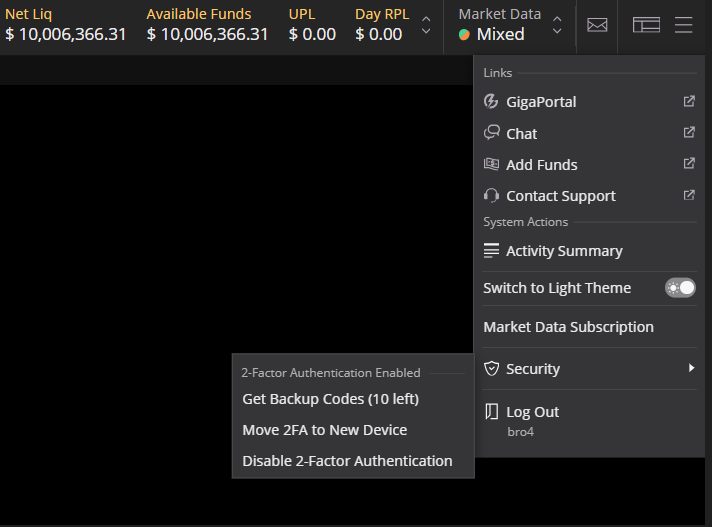
To enable two factor authentication on GigaTrader
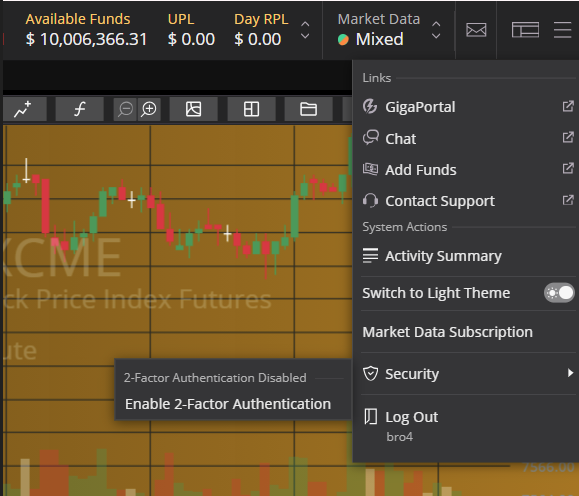
-First open the hamburger menu in the upper right corner of the screen, continue to the security option and click on enable two factor authentication
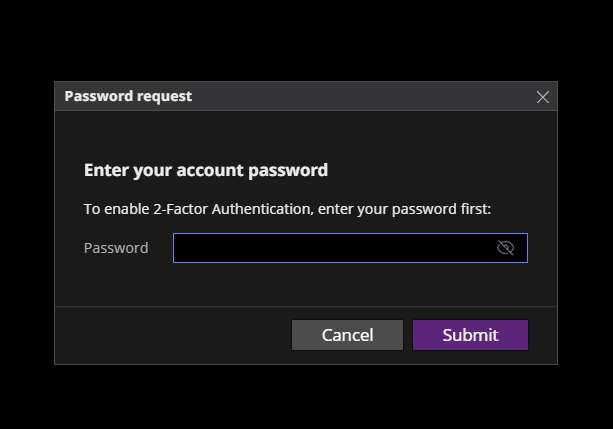
-Second step is to enter the password you use to log in to GigaTrader
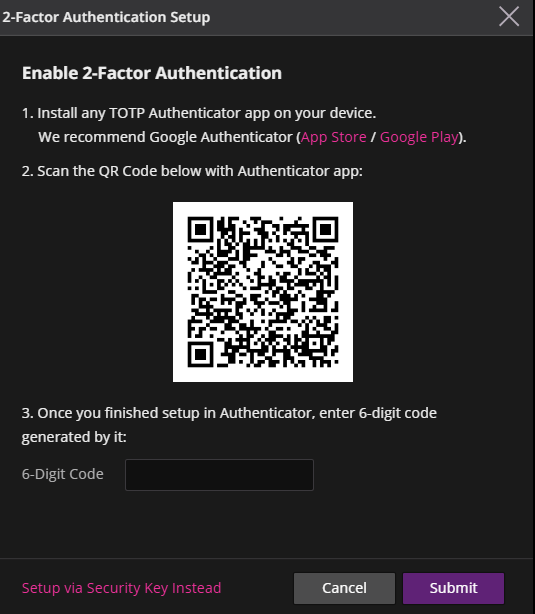
-Third Scan the QR code provided on a device that has a TOTP authenticator installed. (If you don't have one installed, we reccommend Google Authenticator which can be downloaded from the App Store/Google Play)
Two factor authentication is now enabled on GigaTrader. It can be disabled by clicking the hamburger menu in the upper right hand corner, selecting Security>Disable 2-Factor Authentication.